



Digital records.
Keep business income and expenses in MTD-compatible software. A spreadsheet may need bridging software.
Keeping receipts and invoices together is part of getting ready for tax. Here is when MTD for Income Tax applies, what you need to do and how Kwilo can help prepare the records.
Making Tax Digital for Income Tax changes how some self-employed people and landlords keep records and report income to HMRC. Records must be kept digitally and updates sent through compatible software or an authorised agent.
Quarterly updates spread the record-keeping across the year. You still need to check the figures and keep the receipts or other evidence behind them.
HMRC is phasing MTD for Income Tax in by qualifying income. Use the figures below as a guide and check the latest HMRC guidance.
If your qualifying self-employment or property income for 2024–25 was over £50,000, you have needed to use MTD from 6 April 2026, unless exempt.
In effectIf your qualifying income for 2025–26 is over £30,000, you need to use MTD from 6 April 2027.
Next upPeople with qualifying income over £20,000 come into scope from 6 April 2028, unless exempt.
ConfirmedNot currently required to join by income threshold. Keeping clear digital records now can reduce later preparation, but check the supported workflow you need before relying on any software.
OptionalKeep digital records and make sure quarterly updates and the tax return are sent through compatible software or an authorised agent.
Keep business income and expenses in MTD-compatible software. A spreadsheet may need bridging software.
Use compatible software or an authorised agent to send quarterly summaries of income and expenses to HMRC.
Once a year, confirm the figures, add anything else that belongs on your tax return, and submit it by the usual deadline.
Use the software or authorised agent responsible for sending your updates and tax return to HMRC.
Start with the income, expenses and receipts you have already recorded. Kwilo shows the tax year so far and what needs attention, so you can review the figures without piecing the records together again.
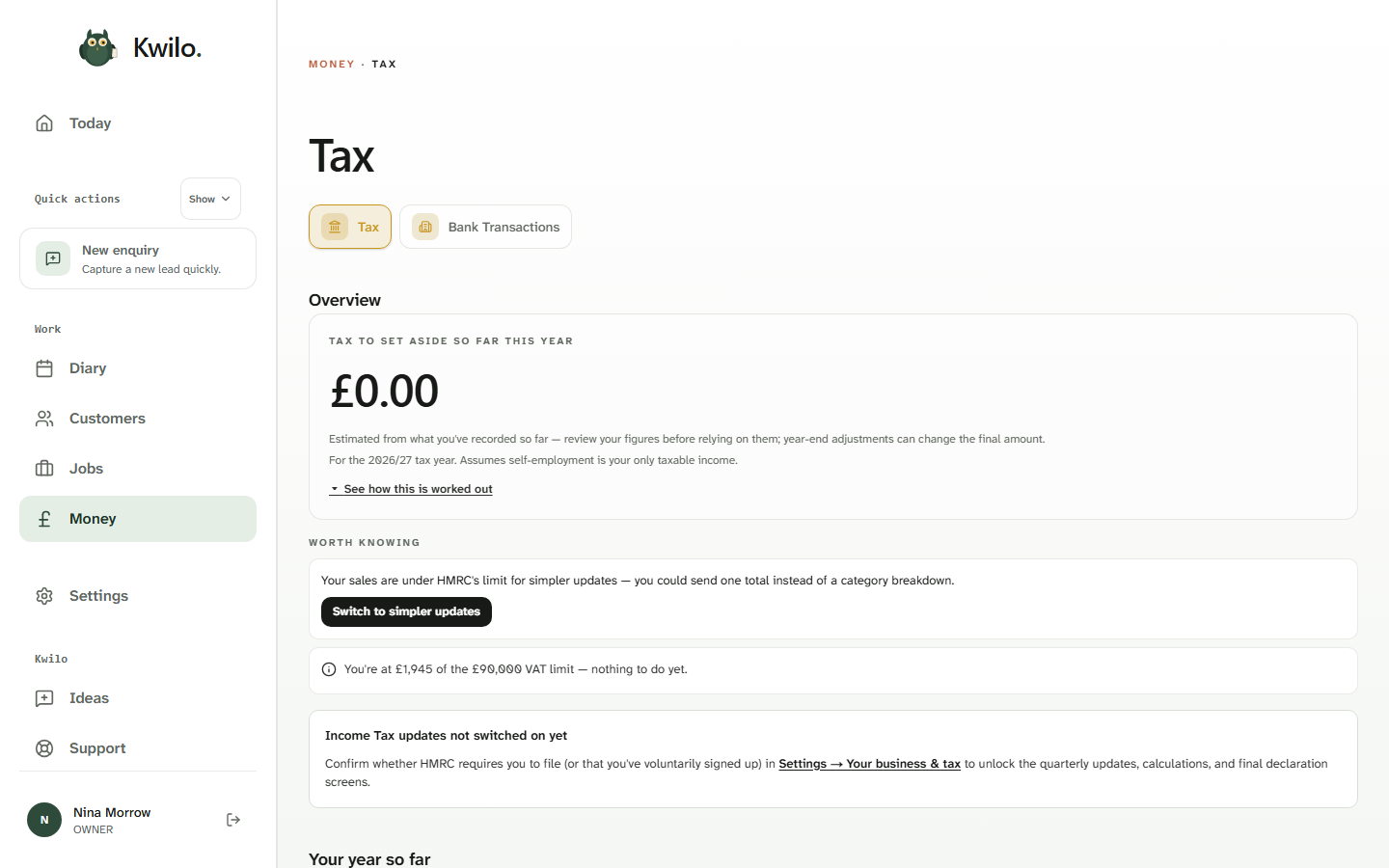
Income, expenses and receipts stay together.
See what is ready and what still needs attention.
Add receipts, categories or other details.
Use your accounting package, compatible software or authorised agent.
Check the figures before using them. Kwilo does not currently file quarterly updates or Final Declarations with HMRC.
This record preparation is for sole traders with exactly one supported self-employment source. It does not cover landlord or property-income MTD. Check the fit with your accountant if you are unsure.
Use your connected accounting package, another compatible software route or an authorised agent to send quarterly updates and complete the tax return. Check current HMRC guidance for deadlines and penalties.
Invite the accountant or bookkeeper you already use into Kwilo as an Advisor, or connect Xero, QuickBooks or FreeAgent and continue working there. Kwilo prepares the records for review; your accounting package or authorised agent remains responsible for filing.
Your total qualifying gross income from self-employment and property, before expenses, is used for the threshold. HMRC uses the qualifying income reported on the relevant tax return to decide when you must start. Check the current guidance if you have more than one income source.
A quiet period may still need a quarterly update. Kwilo helps sole traders with one supported self-employment source prepare their records, but it does not currently send the update to HMRC. Check the requirement with the software provider or authorised agent that handles your filing.
No. MTD for VAT and MTD for Income Tax are separate regimes with separate rules. Support for one does not mean the other is supported, so check the workflow you need.
You are not currently required to join based on the published income thresholds. You can still keep digital records now, but future eligibility, dates and software support can change, so check the workflow that applies when your wave approaches.
No. Kwilo’s Income Tax MTD support is currently limited to preparing records for sole traders with one supported self-employment source. Landlords and people with property income need compatible software or an authorised agent that supports their circumstances.
Quarterly updates contain summary figures for income and expenses rather than your bank balance. The software or authorised agent that handles your filing determines what is sent, so review the figures and current HMRC guidance before submission.
Kwilo helps with the everyday work behind these records too: customers, quotes, jobs, invoices and expenses. Check what is included and what it costs.