


A week in the life

Quote, schedule,
do the work, invoice, paid.

That’s the shape of your week. Mine’s the same — except I’m the bit that turns a voice note into a quote, an approved quote into a job, a finished job into an invoice, and a quarter of invoices into something HMRC’s happy with.

YouQuote~90 sec
YouScheduleDrag, drop
YouDo the workThe actual job
MeInvoiceOne tap
MeMTDAs you go
01
Quotes

Speak it.
Send it. Won.

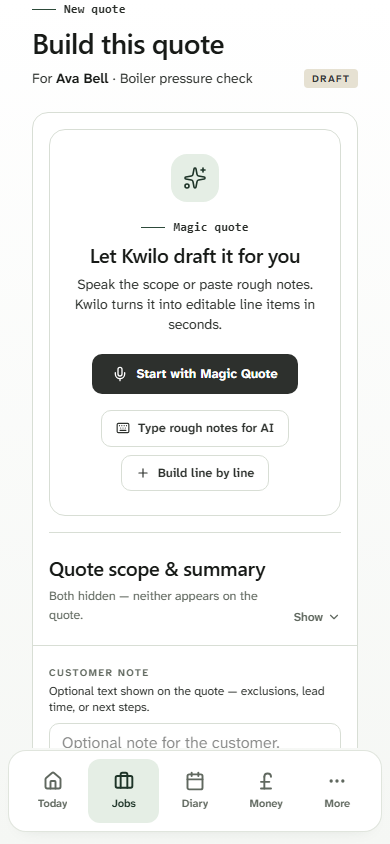
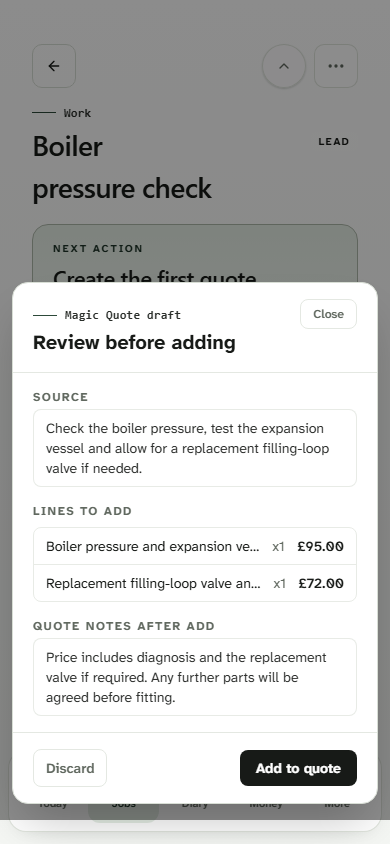
Your phone’s mic is the only tool you need. Talk me through the job in your own words — “new shower, replace the extractor, second bedroom needs two double sockets” — and I’ll build the line items, price the bits from your last few jobs, and drop it into a proper quote your customer can approve with one tap.

  • Voice-to-quote in about 90 seconds. No typing on the kitchen table at half nine.
  • Customer approves on their phone — no PDFs, no chasing, no “did you get my email?”
  • I remember what you charged last time. You stop quoting blind.
Typical time saved · 35 min per quote
You said

“Bathroom job, replace shower, new extractor, two sockets…”

Kwilo voice-to-quote on a phone
ApprovedOne tap from the customer
02
Jobs & Diary

One day, one screen.

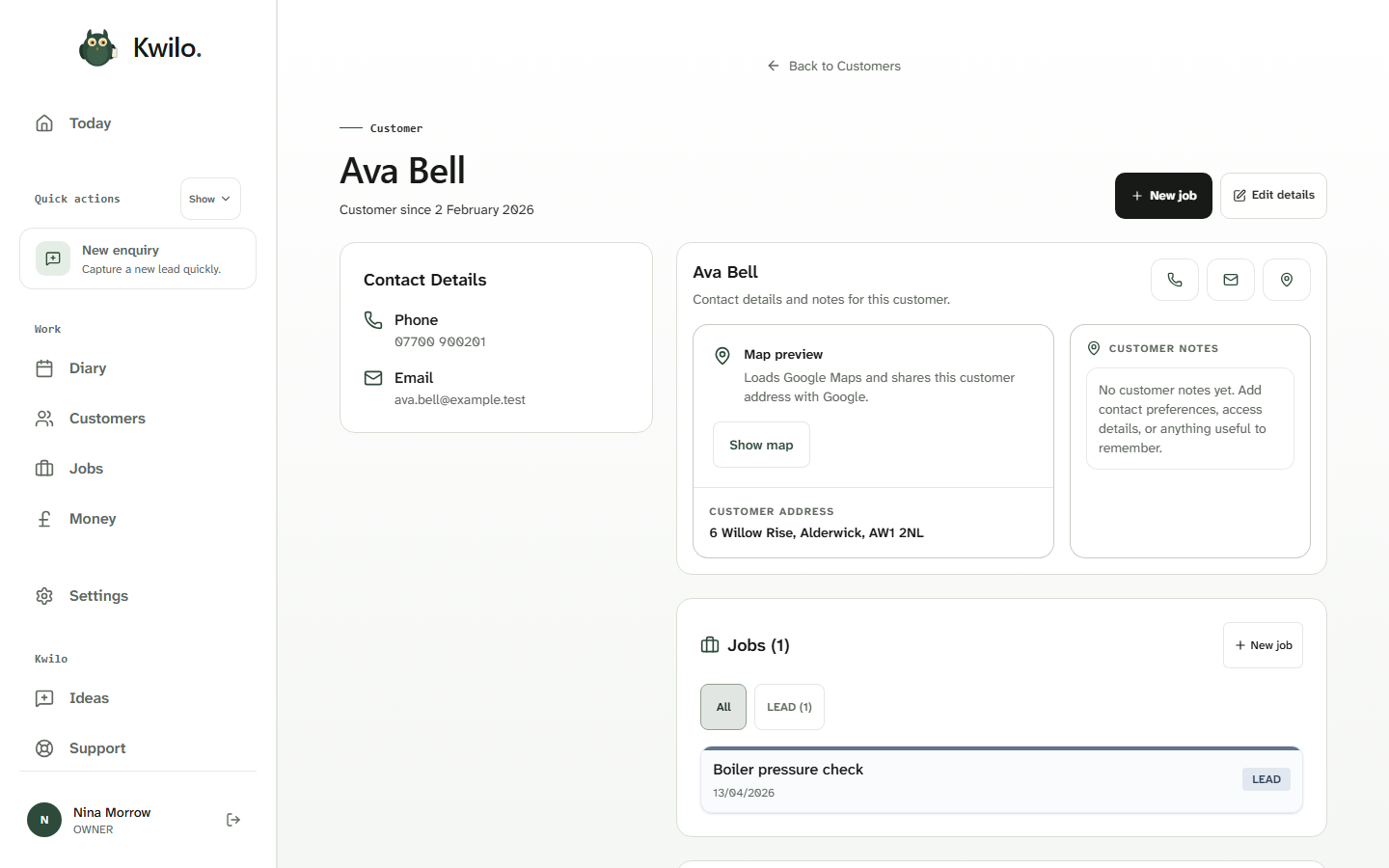
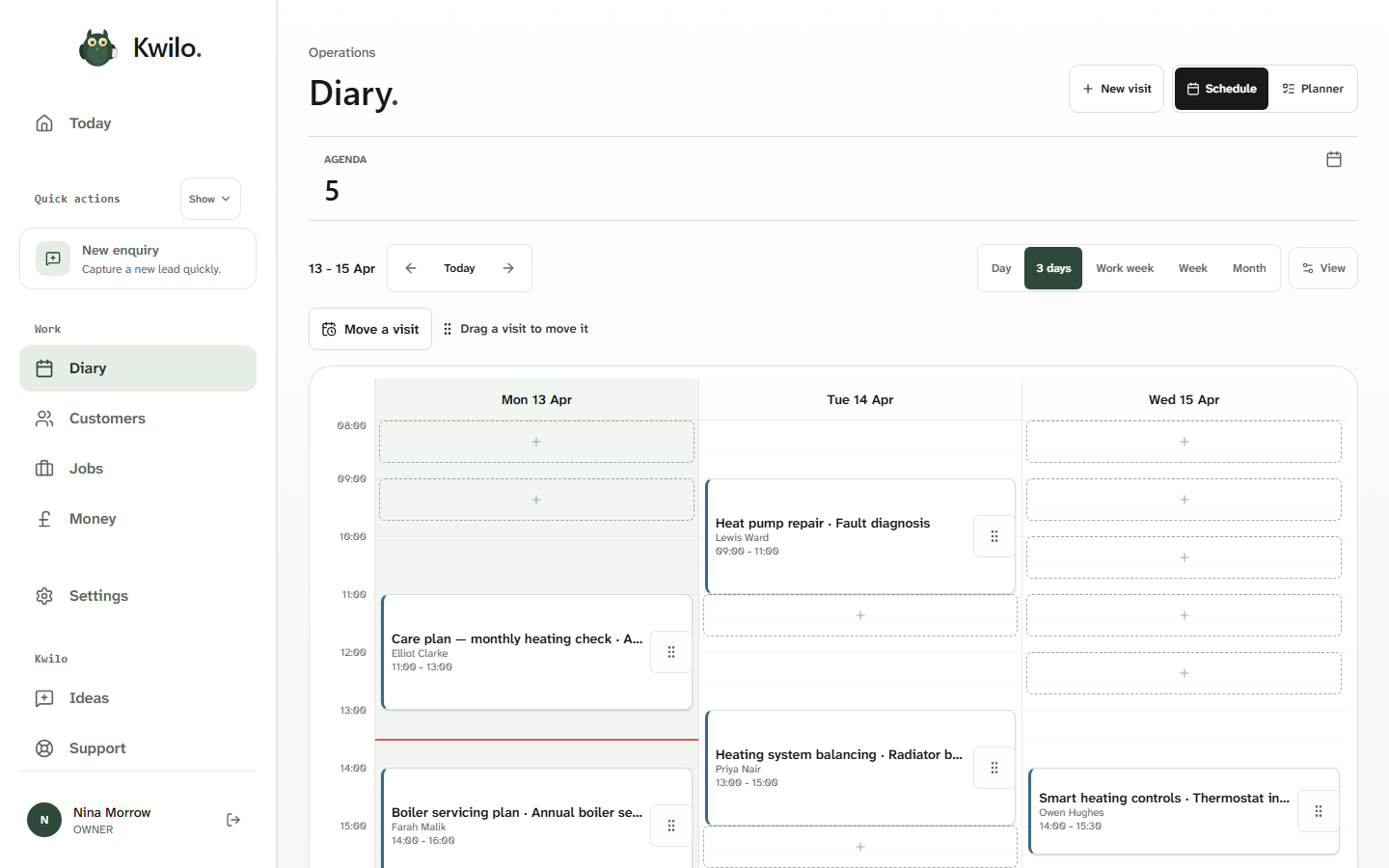
Today’s jobs, this week’s quotes, the bits that need a nudge — I pull them into one place. Notes, photos and customer messages stick to the right job, so whether you’re on a doorstep or walking into a meeting, everything’s to hand.

  • Status at a glance — booked, in progress, ready to invoice.
  • Photos, notes and voice memos pinned to each job. No more hunting through WhatsApp.
  • A diary that knows your jobs, not just your free hours.
Typical time saved · 45 min a day
app.kwilo.com / today
Kwilo desktop jobs list
NowM. Watson · BS6 · in progress
03
Invoices

Bill it. Get paid. Move on.

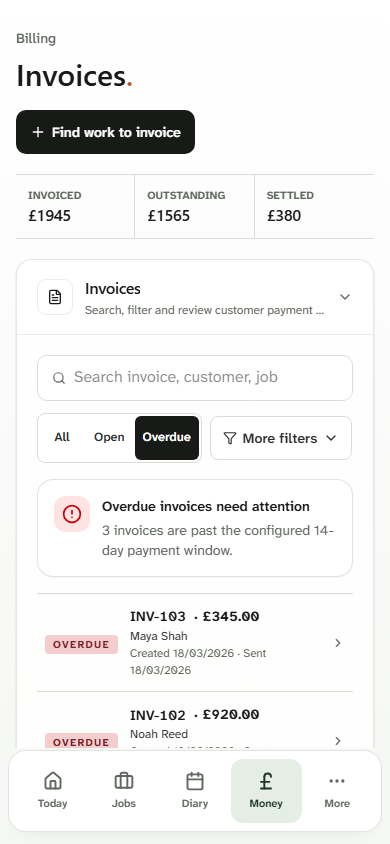
Job done? One tap and I turn it into an invoice with a payment link — bank transfer, card, whatever they prefer. I’ll tell you who hasn’t paid yet, in priority order, and who’s politely dragging their heels. No more “I’ll do invoices Friday”.

  • Invoice straight from the finished job. Lines, photos, the lot — already there.
  • Built-in payment links — BACS, card, the lot. Money lands in your account, not Stripe’s.
  • A money queue that puts the overdue stuff first. I draft the chase email; you nod or change it.
Typical paid-faster · 9 days sooner
Kwilo invoice ready to send
Just paidA. Khan · £185 · BACS
Money queue · 1stSmith & Co · 21 days overdue
04
Money & MTD

MTD without the panic.

Every receipt, invoice and payment lands in the right tax category as you go — I sort them while you work. Quarter end, you’re 90% there. Review the handful I flagged, and I’ll file straight to HMRC. No spreadsheets. No Sunday afternoon.

  • Quarterly summary built as you work. By quarter end it’s a five-minute review, not a weekend.
  • Files direct to HMRC for Income Tax MTD. I show you what’s going; you press the button.
  • Tax provision set aside in the background — your “safe to spend” number is honest.
Quarter end · 5 min review, not a weekend
app.kwilo.com / money
Kwilo money and MTD quarterly summary
Q2 · 90% ready3 receipts to review · then I file
Be straight with you

What I won’t do.

I help with the boring bits. I never send, file or invoice on my own. Every decision lands in front of you first — that’s the whole point of a watchful owl.

Auto-send

Send a quote without you seeing it.

I draft it. You approve it. The customer sees nothing until you nod.

Auto-file

File anything with HMRC on my own.

Quarter end, you press the button. I show you exactly what's being submitted, line by line.

Auto-chase

Chase a customer in your name.

I draft the email and tell you it's ready. You change a word, send it, or tell me to leave it a week.

Come and find me

Start free.
Pay once you’re sold.

Free trials are rolling out shortly. Drop your email on the sign-in page and I’ll hoot the moment it’s open.

See pricing

No card needed · No tie-in · UK support