



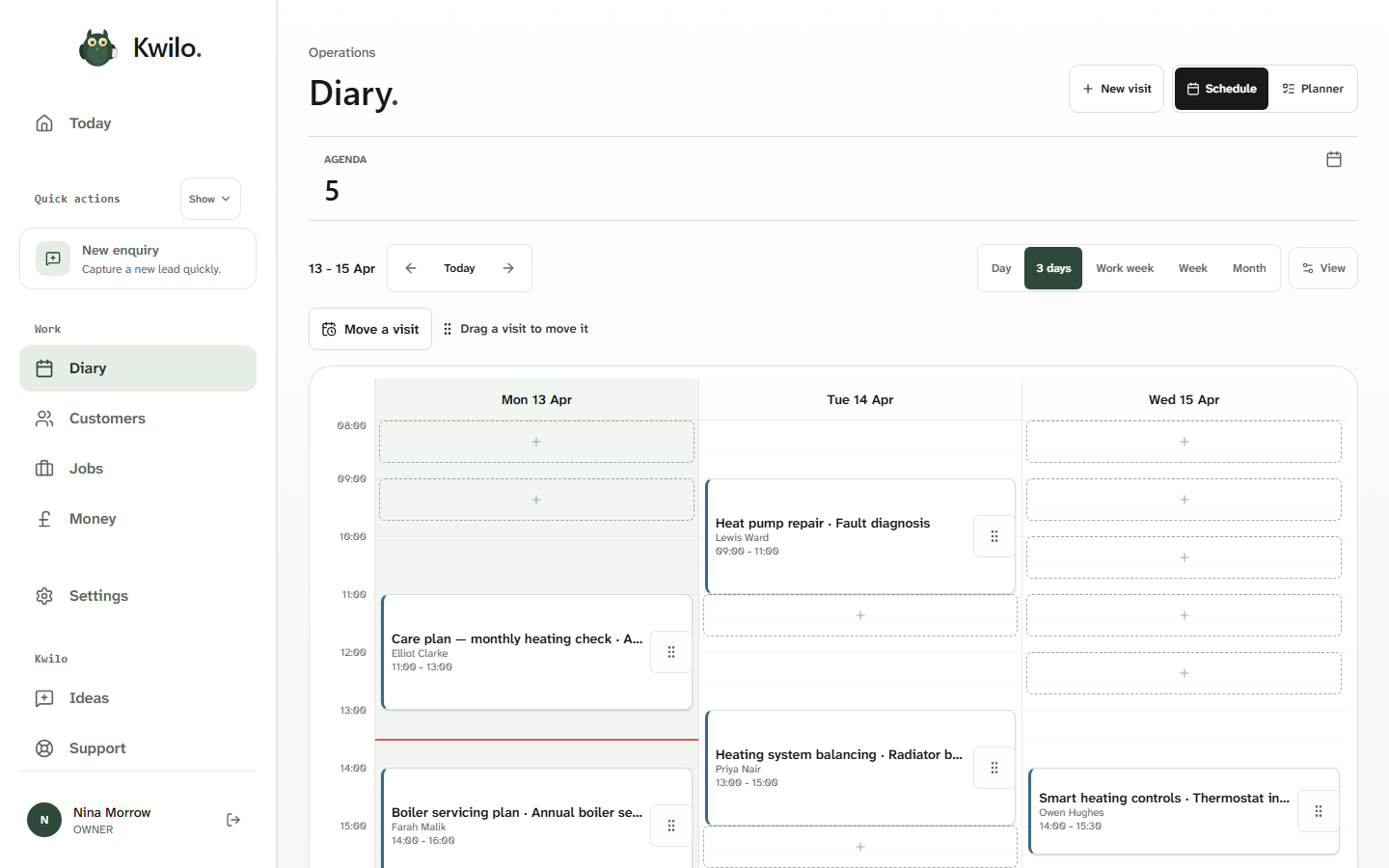
See the day before it gets away from you.
When you book or move a visit, the customer and job stay with it. Check the week before agreeing to another appointment.
Manage your diary, stay in control.
The gaps between bookings help you decide where another visit could fit. Move a visit in the diary when plans change.
Share the work with your team.
Invite teammates to Kwilo and choose their access. Allocate jobs and assign visits to the people doing the work, so it’s clear who is going where.
When plans change, update the booking and who’s assigned. The customer and job details stay linked to the visit.
Reminders to invoice after the visit is completed.
When a visit is complete, Today shows “Confirm & bill” so you can see the next step towards invoicing.
See what needs billing alongside upcoming visits and quotes to review, helping you keep track of the admin still to do.
See an example on TodayThe work’s done. Keep track of what’s owed.
Take a closer look at quotes and invoices, from agreeing the price to billing the job and following up unpaid invoices.